
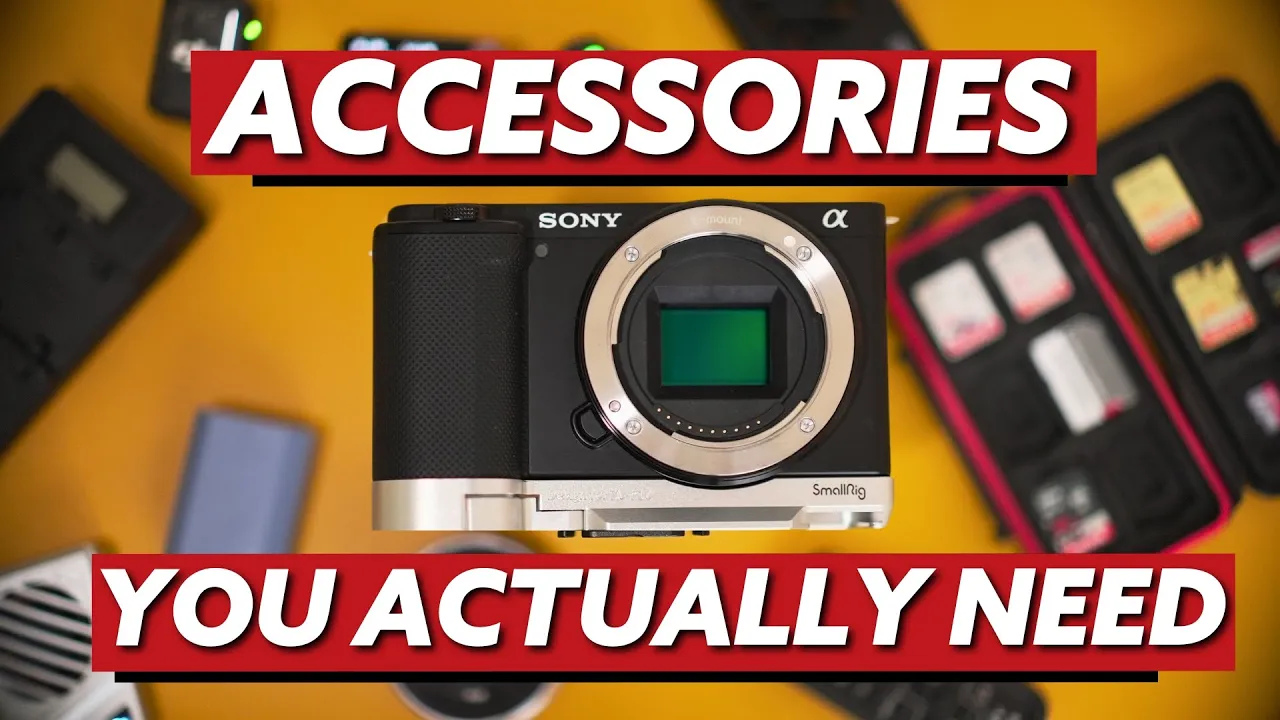
Best SD Cards and Storage for Sony ZV-E10 Mark II (10-Bit)
What do you need to record 10-bit video on the Sony ZV-E10 Mark II?
If you just ordered the Sony ZV-E10 Mark II or you're planning to get the a6700, you're pumped. I get it. But without the right gear, you're probably going to be stuck recording the same 8-bit data you were trying to get away from on the Mark I or the ZV-1.
There are 7 data essentials you need to actually record in 10-bit and keep your computer from falling apart during editing or playback.
By the end of this post, I'll also tell you which one is the biggest bottleneck in your workflow.
What's the difference between UHS-I and UHS-II SD cards?
UHS-II SD cards have two rows of pins on the back. UHS-I cards have one. That's the main thing to look for right out the gate.
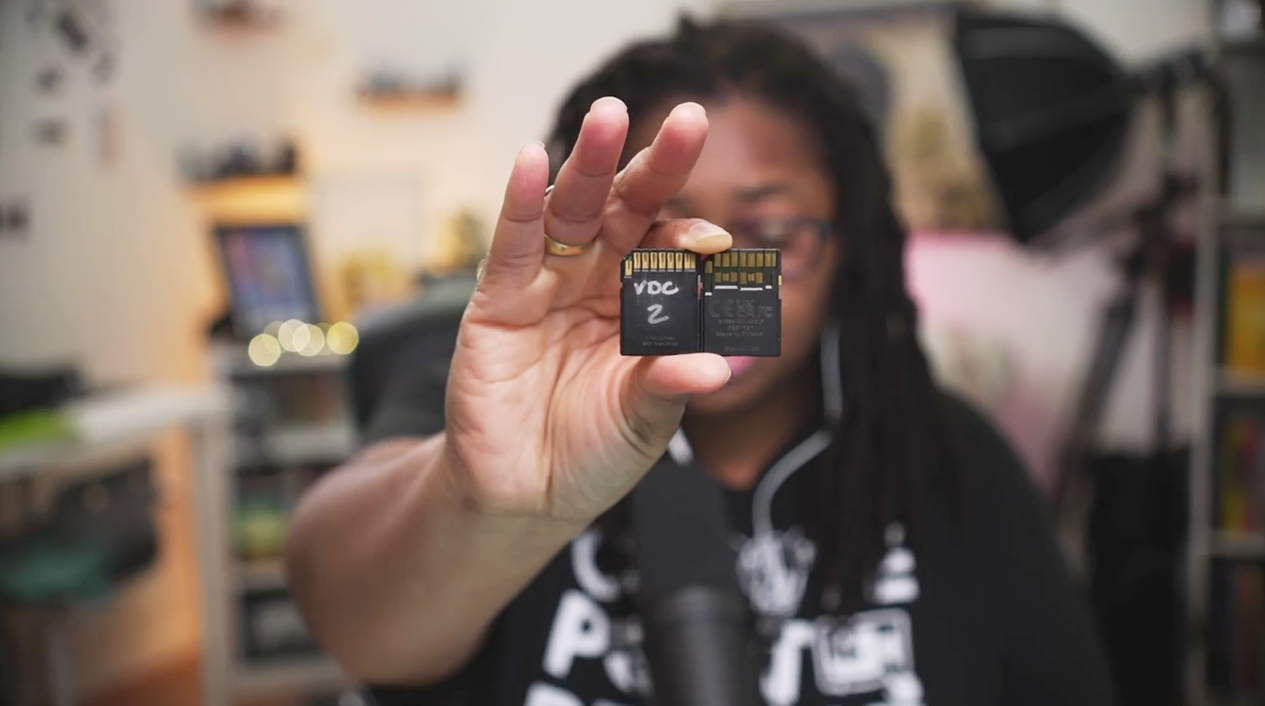
Unlike smartphones, your camera doesn't have built-in storage. I know. It's high time that cameras should, but here we are.
You need an SD card for everything you want to save. And please, please, please do not buy some sketchy $10 "1 TB" SD card to record days and weeks of footage on.
Ask me how I know lol. Those cards get bricked, blocked, and messed up, and then your footage is gone.
To play on the frustration of this even more, imagine having a day where you are just ON IT!
You batch record some of your best stuff and have 5 new YouTube videos recorded, and 7 new vertical videos.
Then, suddenly you realize a day later when you're getting ready to offload allllll that hard work, "file corrupted" is the only thing you see.
And that my friend, is the reality far too many clients and friends experienced that didn't listen.
So yeah, just buy reliable SD cards.
Which SD cards work best for the Sony ZV-E10 Mark II and a6700?
Two brands I love using are SanDisk and Kingston.
The Kingston Canvas React Plus V60 is probably (were) the most affordable, reliable UHS-II SD card you could find online.
As of November 2026, these have skyrocketed in price.
SanDisk has great options too, and Sony makes their own as well. The creators you follow will use some reliable variation of brands they have tried and trusted, and that's usually a safe signal.
The way I determine if something is worth trying (because I can't get my time back if that SD card corrupts my footage) is asking myself, "What do the creator(s) I trust consistently use?".
Not what was part of a paid promotion or gifted and used for a little while. When they're recording their live events, talks, etc., who did they trust their brand's reputation on. That card becomes those I'm willing to test.
For example, you can scroll back to my channel on YouTube and consistent see on old videos and new videos I'm still using Sandisk cards and still have my Kingston card in rotation for UHS-II card purposes.
A Little DG Wisdom: As long as you're working with a reliable brand, work within your budget to get what you need. If that means starting with one UHS-2 SD card and two regular SD cards, do what you gotta do.
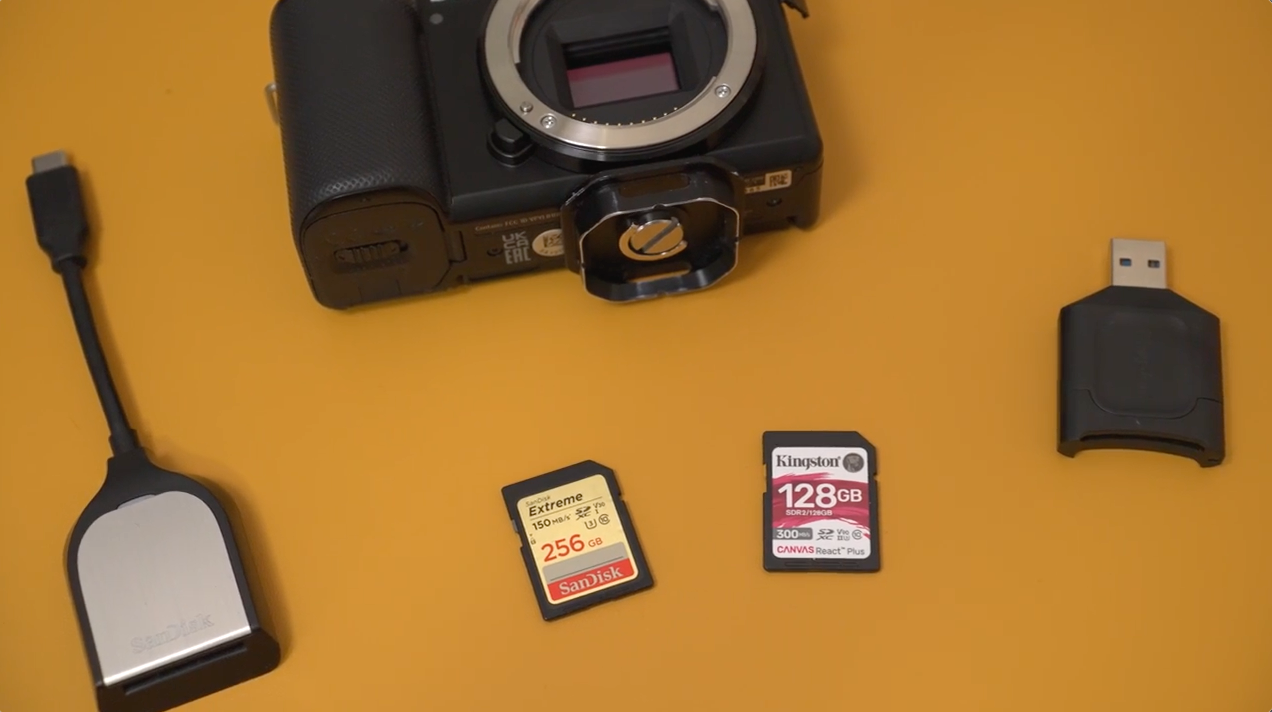
As for size, 128 GB is the baseline. 256 GB is better, and anything above that gives you more room to breathe. The SanDisk Extreme PRO 128 GB is one I keep going back to.
These cards can handle the H.265 4:2:2 10-bit video your camera records.
(If all these video specs sound like a different language, it's usually some of the highest spec'd details your camera will come with. Just think of these settings as more flexibility your video editor or videographer would love to make you look like a pro. It's okay if you don't know what all this means, but it's nice if you're handing off your camera or footage to an experienced video editor. They can tell you what to do from there.)
What SSD drive should you use for 10-bit video editing?
Use an SSD (solid state drive), not an HDD. There's a huge difference.
An HDD is the spinning disc drive from back in the day. It's great for archival storage, but not for editing from or offloading footage to.
You'll know it's an HDD when you can hear or feel the drive spinning.
Not to mention, if you see loads of terabytes of storage (ex. 8TB) for a relatively cheap price.
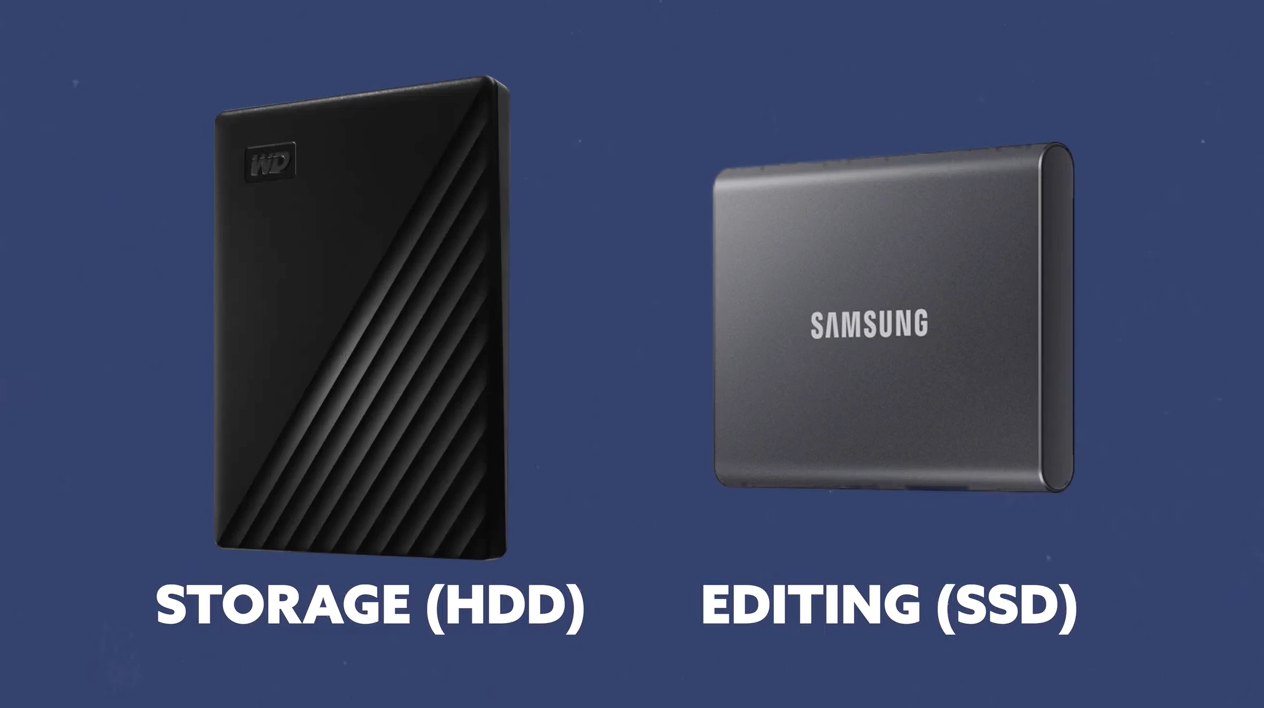
I honestly recommend Samsung.
The Samsung T5 and T7 SSDs are fast and reliable, and I've literally dropped mine onto concrete afraid they'd break and other than cosmetic scratches, to this day, they still work like a champ.
They've been in my bags, they've gotten knocked around, and they still work. I've had them for several years.
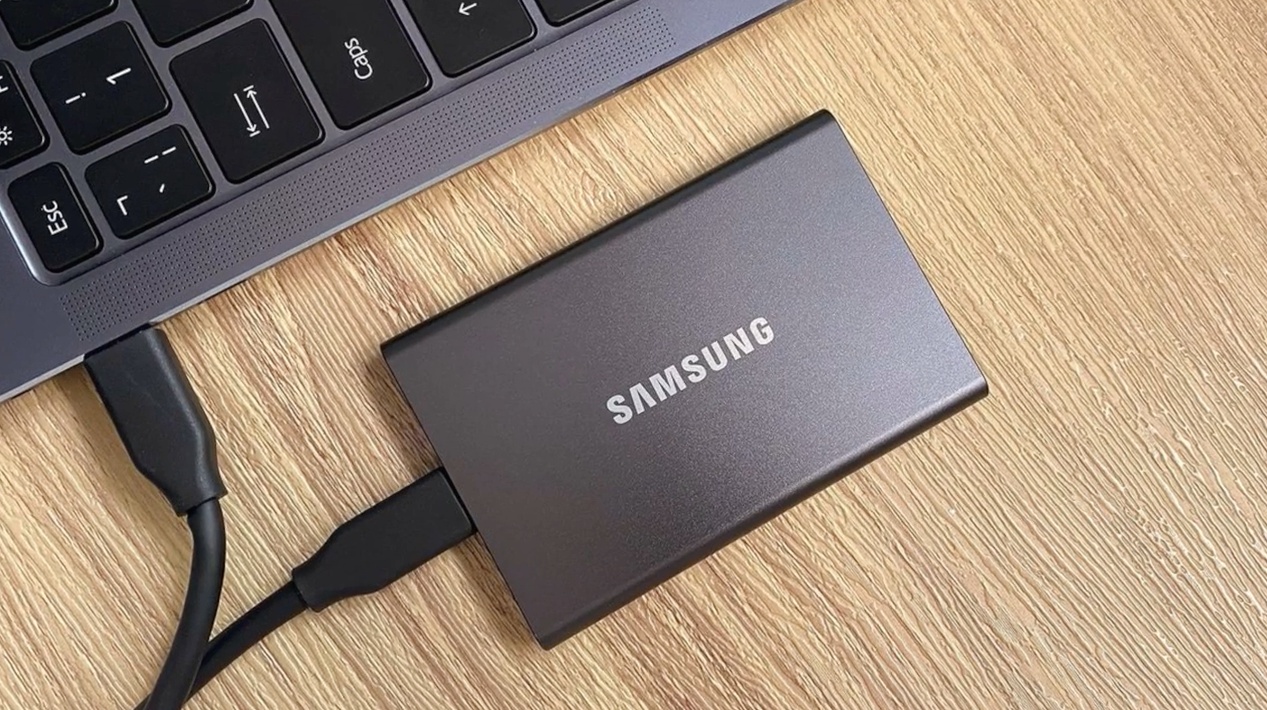
I also have a SanDisk SSD. Some people have had theirs forever without issues.
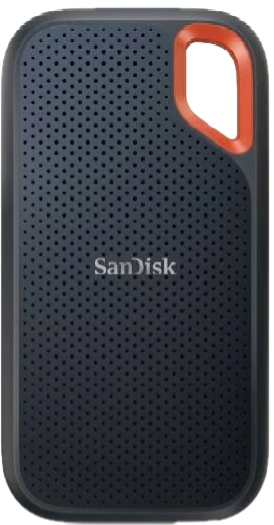
However, there are also A TON of people who've had them crash and couldn't get their footage off them. (That's why you see them usually on sell at crazy low prices.)
Unfortunately for this reason, I wouldn't recommend them, but you take it at your own risk.
Like I said, I have one, but nothing important is stored on it and it's not in my reliable creative tools rotation. Hopefully they fix this but until then, buy at your own risk.
Think of it like a CD. If you scratch the disc, it won't play right. You don't want to mess around with your data like that.
HDDs are great for storage, just not for editing from.
Why does your SD card reader matter for 10-bit video workflow?
Your SD card reader is what moves footage from your card to your computer, and the read speed is what determines how fast that happens.
You'll see the read speed labeled as "R" on the SD card itself.
When that's slow, it bogs down your entire workflow right out the gate.
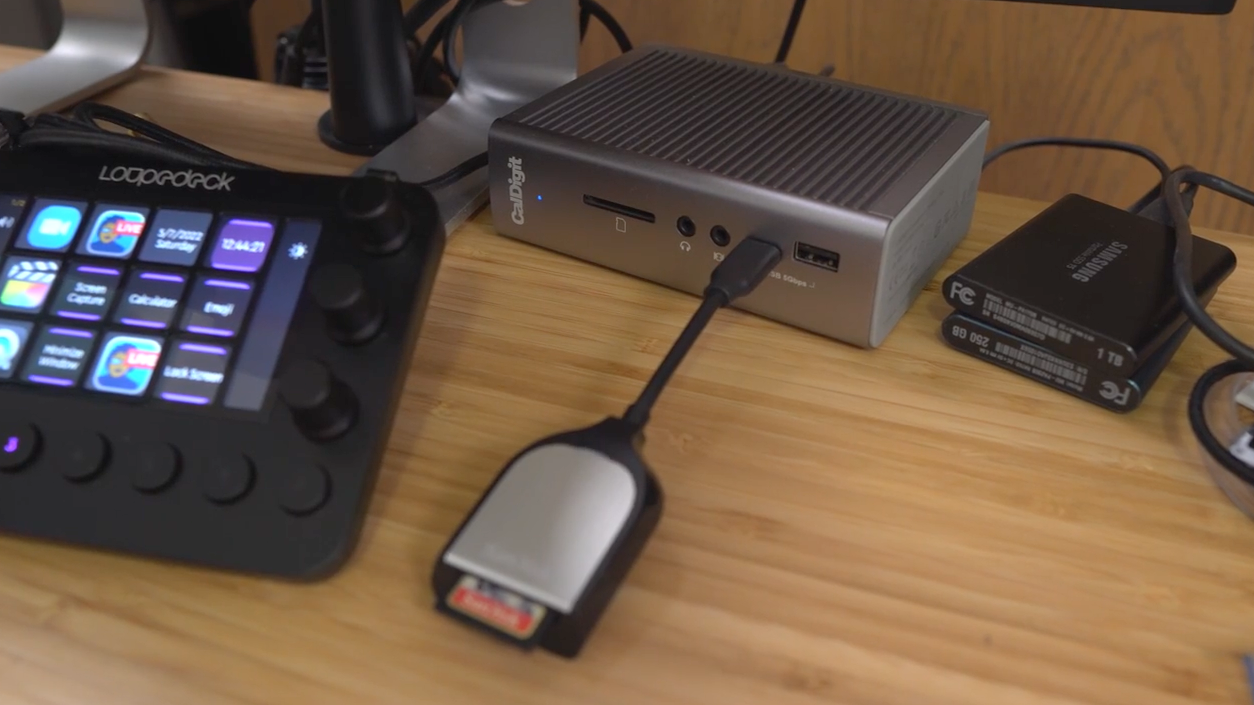
Some brands, including SanDisk, only guarantee their rated speeds when you use their own proprietary card reader.
So if you've got SanDisk cards, pair them with the SanDisk card reader.
For high-speed 10-bit data, you don't want anything slowing you down before you've even opened an edit.
For more on how SD card speeds affect your ZV-E10, here's a full breakdown on the best memory cards for the ZV-E10 for video.
Does your computer need a RAM upgrade to edit 10-bit video?
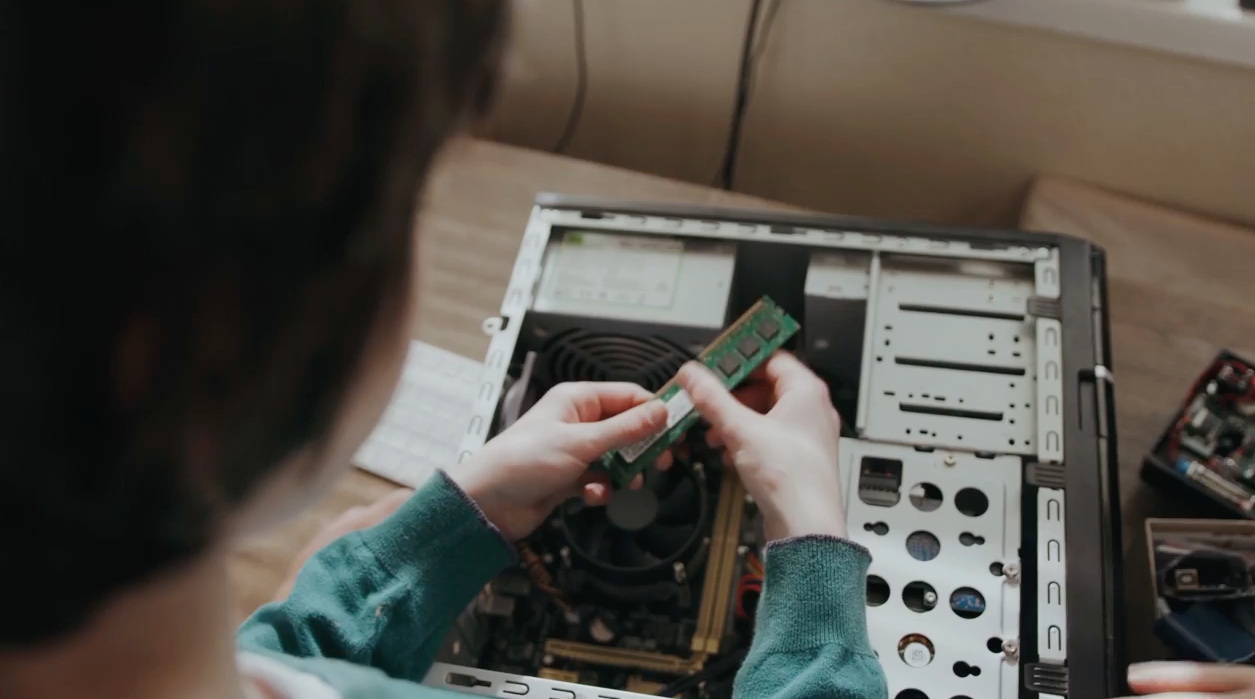
RAM affects how fast your computer handles 10-bit video files during editing.
If you're on a PC and your RAM slots are accessible, upgrade them.
If you're on a Mac with an M1 or M2 chip, you're in good shape already. Anything M1 and up, you're fine for 4k footage.
Nobody talks about this when you're upgrading your camera gear.
You buy the camera, you've got your SD cards sorted, and then your computer can't even read the files.
If you need to get a new computer, get one that's rated for at least 4K, or somewhere in the 6K ballpark, so it can handle your 10-bit video without choking.
Make sure your computer can do the work before you blame the camera.
How many SD cards do you need for the ZV-E10 Mark II?
Get more than one UHS-II SD card.
At minimum, start with two. Keep adding more SanDisk Extreme 128 GB or SanDisk Extreme PRO 256 GB cards to your kit as you go.
I get data is high right now, and when you're buying a new camera, all these "small" expenses can add up quick.
Pro tip: Those older cheaper SD cards from your Mark I or ZV-1 aren't totally useless. They work great for Zoom recorders and other audio recording devices. Keep them for that.
Once I've got my cards sorted and my a6700 settings dialed in, I save them so I never have to manually set up from scratch again. I load my settings profile and it's ready to record in five minutes flat.
Which USB-C cables work for the Sony ZV-E10 Mark II?
These cables are your lifelines.
If you want to do 4K USB-C recording, you need good cables. I like braided ones because they're flexible, they don't wear and tear as fast, and they're fast.
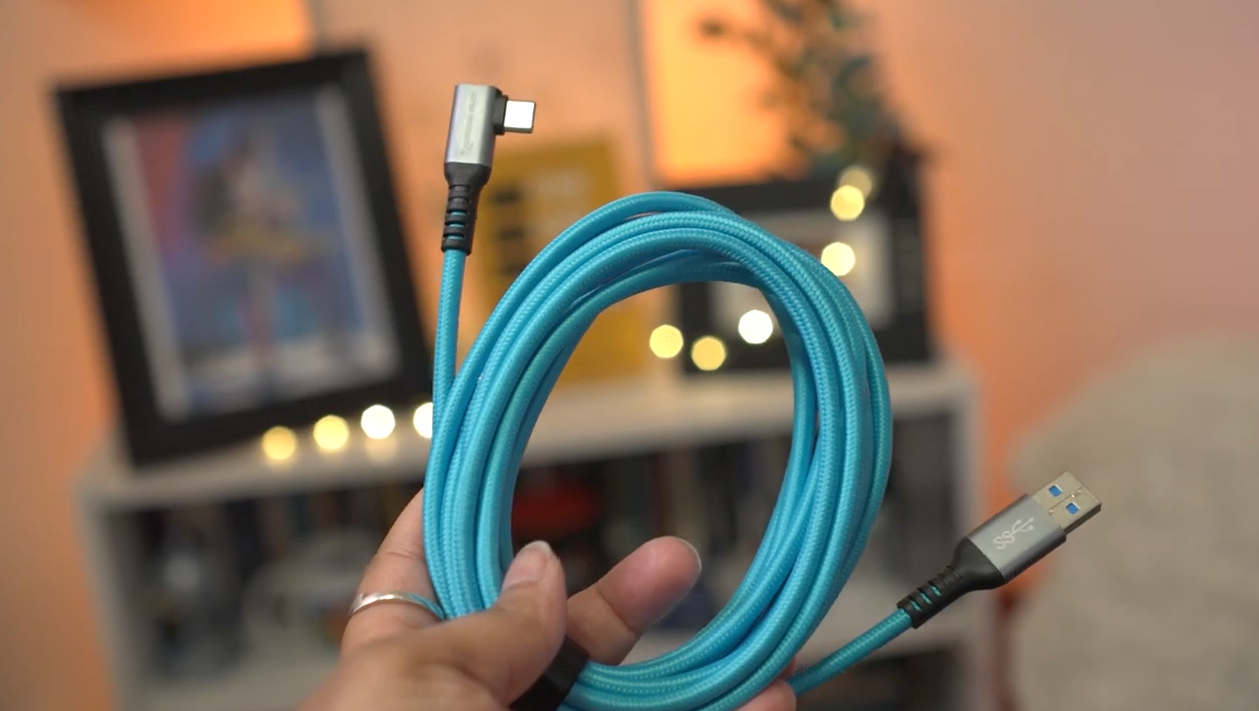
I keep my cables under 10 feet. Go over that and you'll start to notice lag and slowdowns.
The Condor Blue cables I use are in the Bee's Knees Hall of Fame as far as I'm concerned. Not only can you use them for USB-C live streaming, you can also use them for charging.
When I've done live events and plugged into an AC power cable, the camera doesn't slowly drain over time, it holds the charge steady.
That alone is worth it.
What battery setup works best for traveling with the ZV-E10 Mark II?
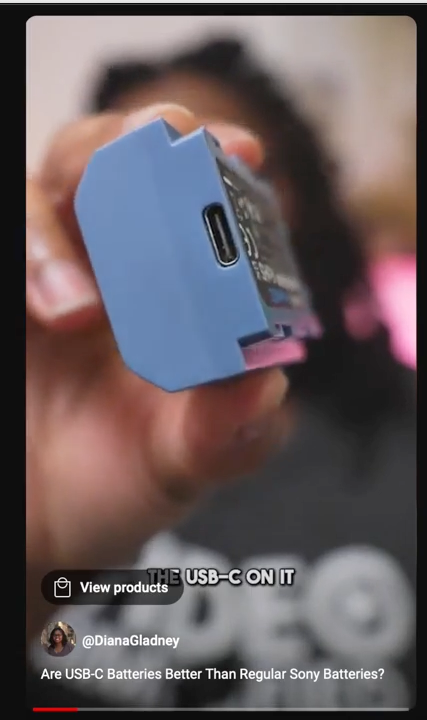
The Small Rig USB-C chargeable batteries are worth adding to your kit. I've swapped them in for my Sony batteries when I travel.
I still love using the camera brand's own batteries for best performance, but for me, efficiency wins when I'm on the go.
Think about it.
You've got your phone, your watch, your computer, maybe a tablet. You don't want to be like some octopus with a bunch of cables coming out of you.
With a USB-C chargeable battery, you just plug it into a USB-C port instead of pulling out a separate charger.
One real warning: do not charge the Small Rig battery through the USB-C port while it's still inside your camera.
Take it out first, then charge it.
Running power to it while it's in the camera risks frying your brand new investment. I'm sure you don't want to be out here like that in these real and digital streets.
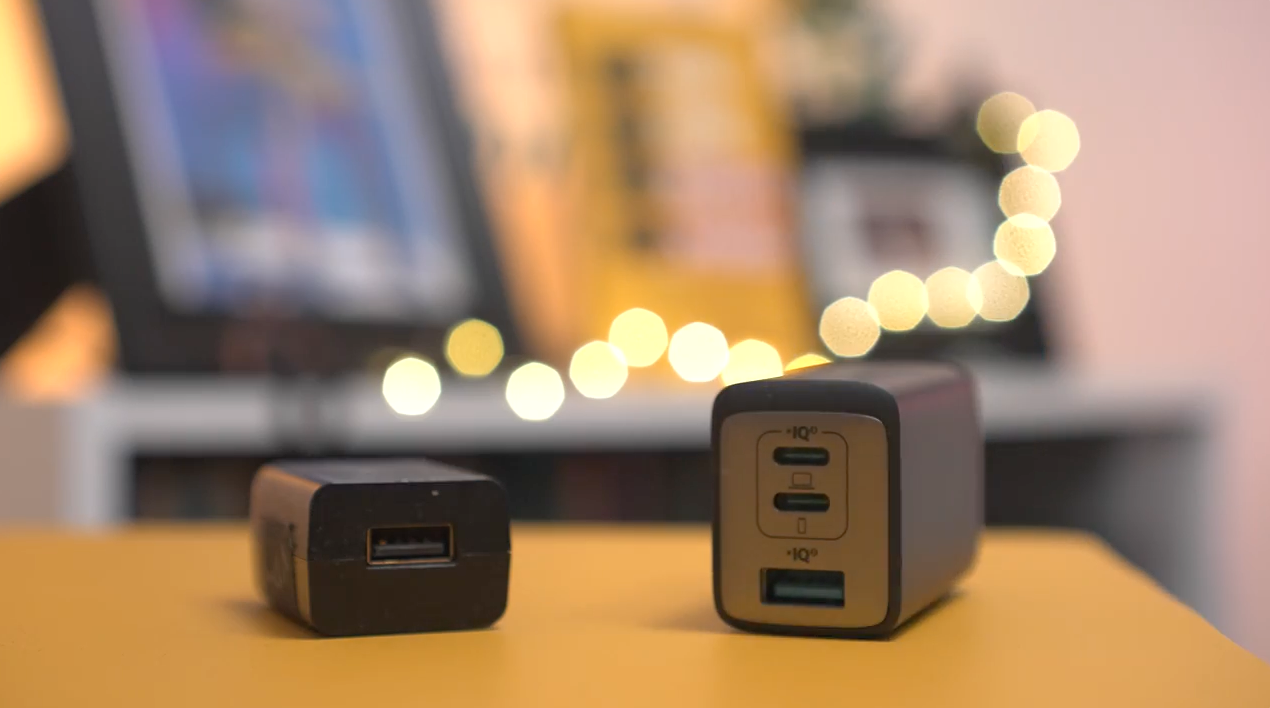
Pro tip: a compact USB-C power adapter that powers both your computer and your camera at the same time, with almost no bulk. It pops right onto an AC power cable.
I've dropped mine more times than I care to admit and it still works just fine. Super powerful, efficient, and small. Worth throwing into the mix.
I especially love this while in the airport when outlets are like trying to capture the Harry Potter golden snitch at the airport.
So, this turns one port into three.
What's the biggest bottleneck in a 10-bit video workflow?
My vote is either the SSD drive or the card reader. For me personally, it's always the SSD.
It doesn't take that long most of the time to transfer footage from the card to the computer. But where I'm saving and editing from is what makes the biggest difference.
If you're editing off a computer that's already stuffed and slow, you're just adding to that workload.
Once your computer goes, so goes your content workflow.
Nothing else works if the workflow don't work.
If you're still building out your camera kit, here are the best accessories for the ZV-E10 worth adding alongside these data essentials.
And once the gear is sorted, here are 5 ZV-E10 settings to change ASAP for video so your camera is actually ready to record.
What else should you know about best SD cards and storage for the Sony ZV-E10 Mark II?
Do you need UHS-II SD cards for the ZV-E10 Mark II?
Yes. The ZV-E10 Mark II and a6700 can record H.265 4:2:2 10-bit video, and UHS-II SD cards are what you need to handle those files reliably.
UHS-I cards can cause recording errors with high-bitrate formats.
Can you edit 10-bit video footage from an HDD?
You can archive footage to an HDD, but editing directly from a spinning disc drive will slow your workflow significantly. Use an SSD for editing and offloading. Samsung T5 and T7 SSDs are reliable picks.
In the past, anytime I've tried this, you can have issues with the audio and video of a file coming out of sync.
Also, they're slow as heck transferring large files. It's just not worth it.
How long should USB-C cables be for the ZV-E10 Mark II?
Keep your USB-C cables under 10 feet for the ZV-E10 Mark II. Longer cables can cause lag and slowdowns during 4K USB-C recording. Braided cables hold up better than standard ones for regular use.
How do you transfer ZV-E10 Mark II footage to your computer faster?
Pair your SanDisk SD cards with a SanDisk SD card reader. SanDisk only guarantees their rated read speeds when you use their own reader.
That read speed is what determines how quickly footage moves from the card to your computer.
If you want to go deeper on memory cards specifically, here's everything you need to know about the best memory cards for the ZV-E10 for video.